Connectors that stay attached
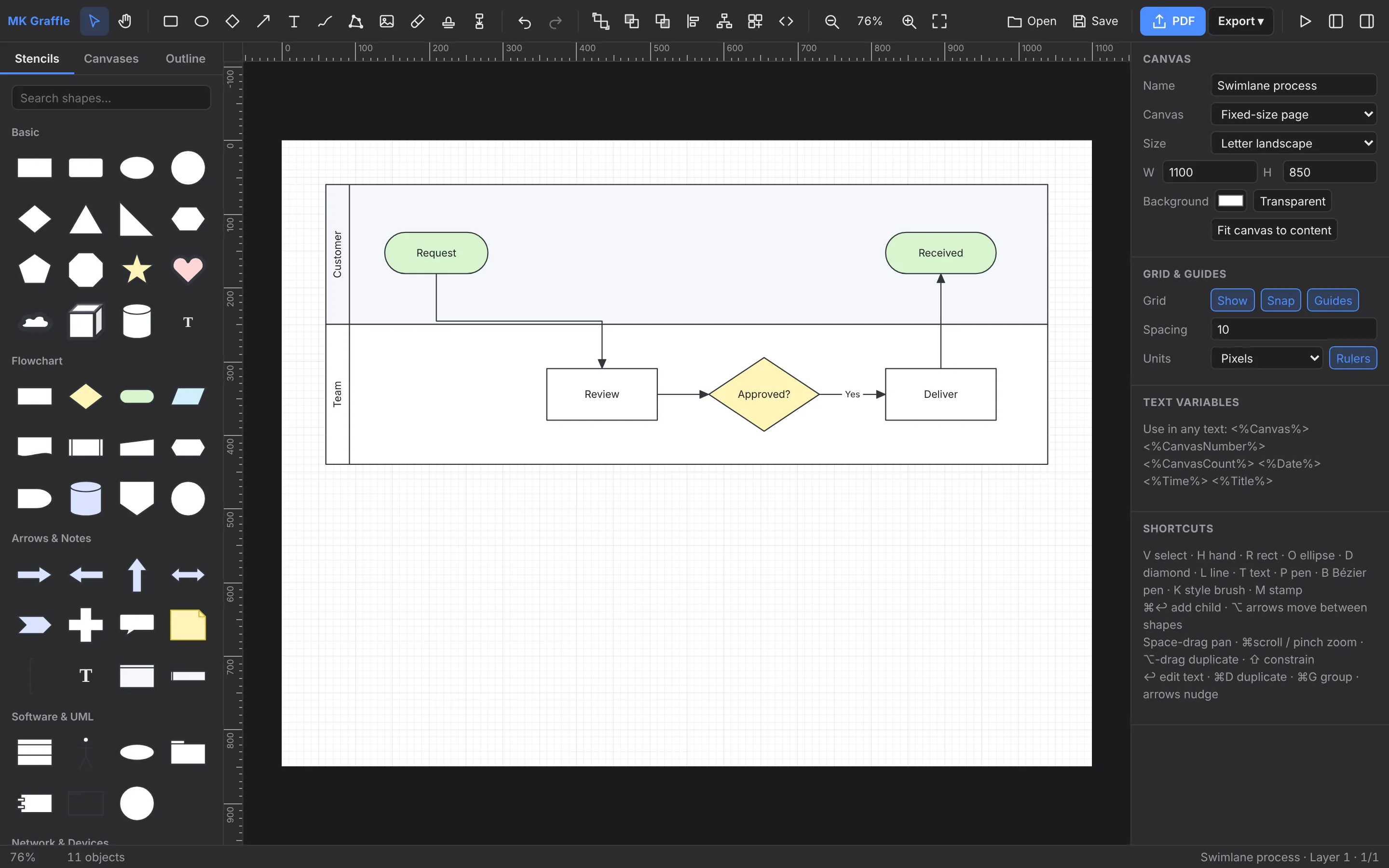
Move a shape and its lines follow. Straight, orthogonal or curved routing, bend points, nine arrowheads and labels you can drag along the line.
Version 1.1 is out
Flowcharts, org charts, mind maps, network diagrams and wireframes on macOS, Windows and Android. Every feature is included, and there is no account, licence key or paid tier.
Free forever · macOS, Windows and Android
Why MK Graffle
The polished apps want a monthly fee or a login. The free ones live in a browser tab and keep your files on someone else's server. MK Graffle is a native app that saves plain .mkgraffle files on your own device, with the full feature set from the first launch.
Features
Move a shape and its lines follow. Straight, orthogonal or curved routing, bend points, nine arrowheads and labels you can drag along the line.
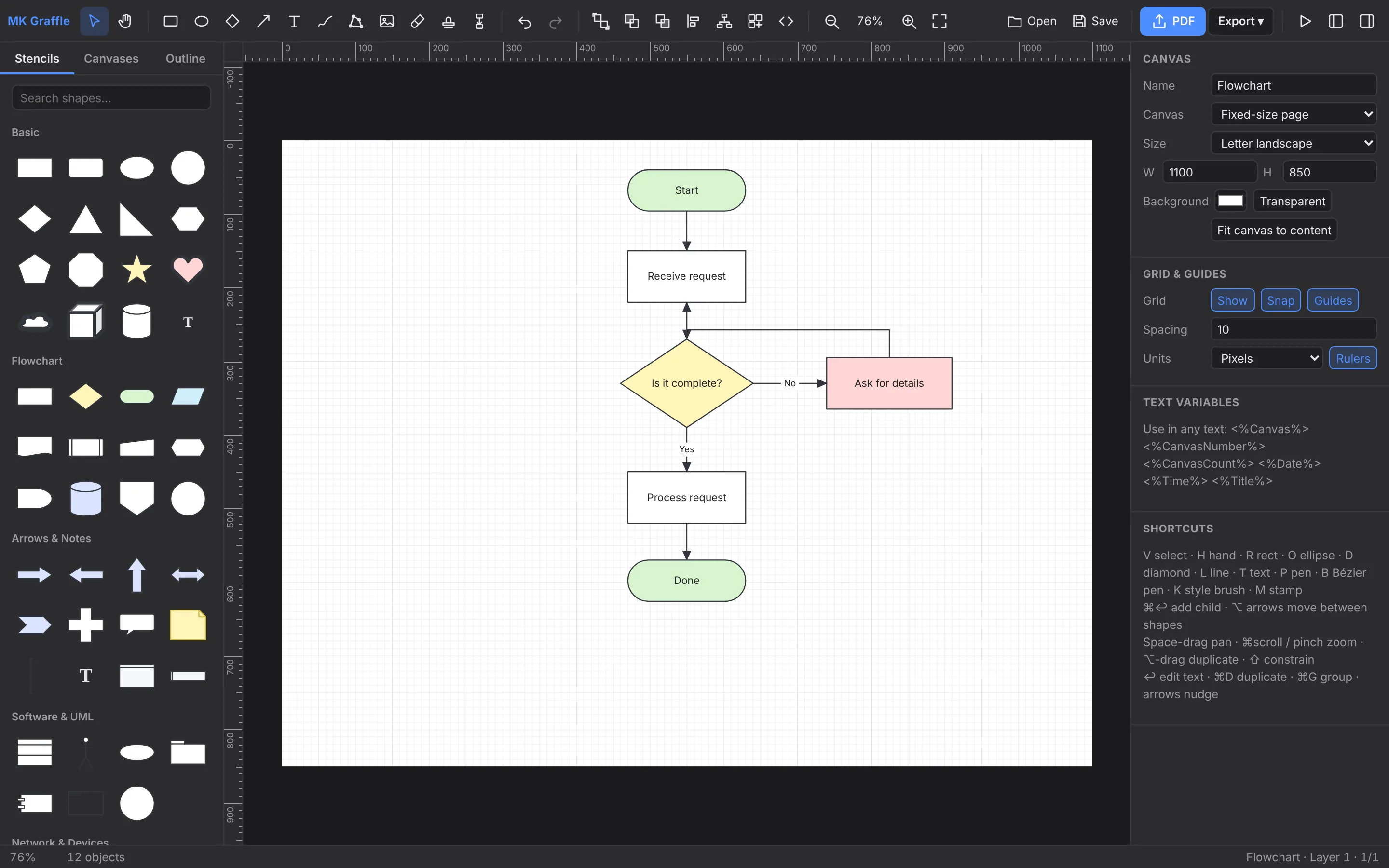
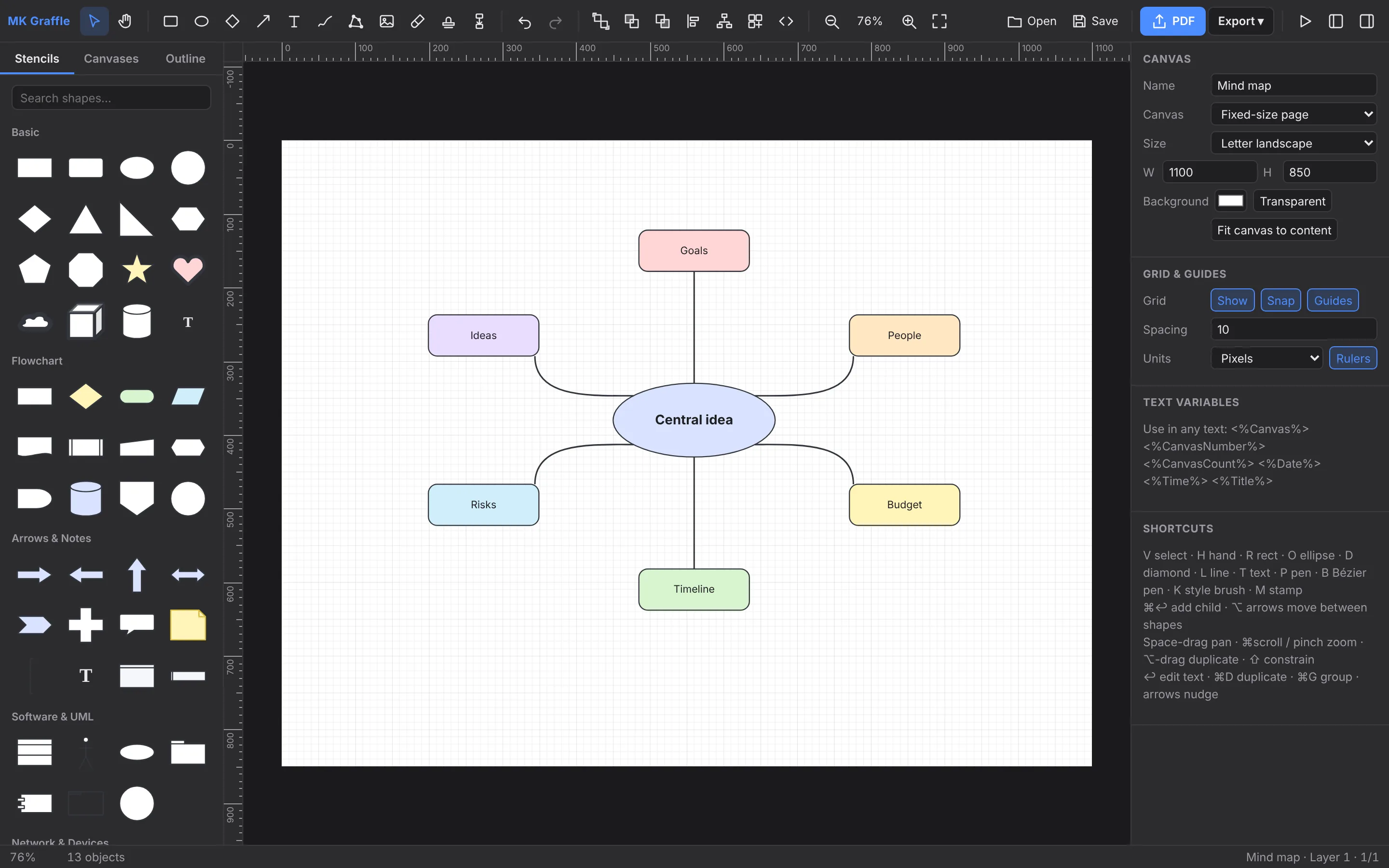
Hierarchy top down or left to right, radial mind map, force directed, circular and grid.
Write an indented list in the Outline tab and it becomes connected shapes. It also works in reverse.
Multi page PDF, PNG up to 4×, transparent PNG, JPG, SVG, or an HTML page with clickable links.
Many canvases per file. Lock or hide layers, and share one layer across every canvas for headers and logos.
Add a connected child with ⌘↩ (Ctrl+Enter on Windows) and jump between shapes with Alt and the arrow keys. Your hands never leave the keyboard.
Every shape, every export, every platform. Free from the first click, with nothing held back for later.
How it works
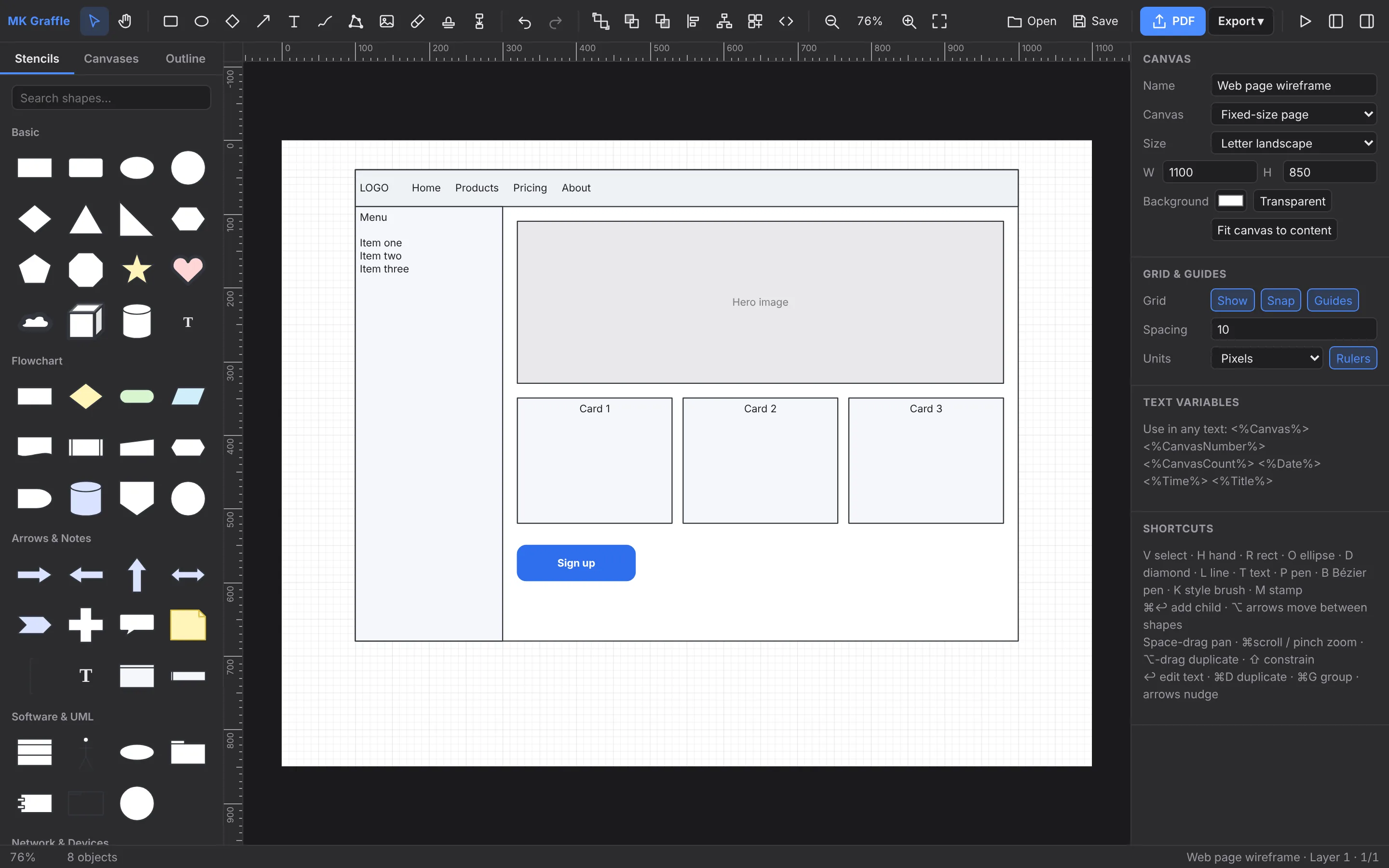
Flowchart, org chart, mind map, network, wireframe, swimlanes or kanban. Or begin with an empty canvas.
Search the stencils, drop shapes, and let smart guides line everything up. Auto layout tidies the rest.
Send a PDF, drop a PNG into a slide, publish a clickable HTML page or present it full screen.
Android 7 or later · phones and tablets
The APK is not attached to this release yet. See all releases
Checking GitHub for the newest release…
FAQ
Yes. Every feature is included. There is no licence key, account, trial or paid tier.
The build is not signed with a paid Apple developer account. Right click the app in Applications, choose Open, then Open again. If macOS says it is damaged, run this once in Terminal:xattr -dr com.apple.quarantine "/Applications/MK Graffle.app"
The installer is unsigned, so SmartScreen warns about it. Click More info, then Run anyway.
Most PCs need the x64 installer. Pick ARM64 for Snapdragon laptops. Pick Portable to run it from a folder or USB stick without installing.
Yes. Diagrams are saved as .mkgraffle files, which are plain JSON and open on every platform.
There is no account and no sign in. Your diagrams are saved as files on your own device.
PDF (one canvas or all of them), PNG at 1 to 4×, transparent PNG, JPG, SVG, the current selection only, or an HTML page with a clickable image map built from your object links. You can also print.
Yes. The JavaScript automation console can create and change shapes, connectors and canvases.
Free on macOS, Windows and Android. No account, no licence key, nothing to upgrade.
Download free